

Sfumato is a pair of tools that generate CSS for your web-based projects. You can create HTML markup and use pre-defined utility class names to style the rendered markup, without actually writing any CSS code or leaving your HTML editor! The resulting HTML markup is clean, readable, and consistent. And the generated CSS file is tiny, even if it hasn't been minified!
The first tool is the command line interface (CLI), which you can install once and use on any projects. It will watch/build CSS as you work.
The second tool is a Nuget package that you can add to a compatible .NET project. And after adding a snippet of code to your startup, it will build/watch as you run your app or debug, generating CSS on the fly.
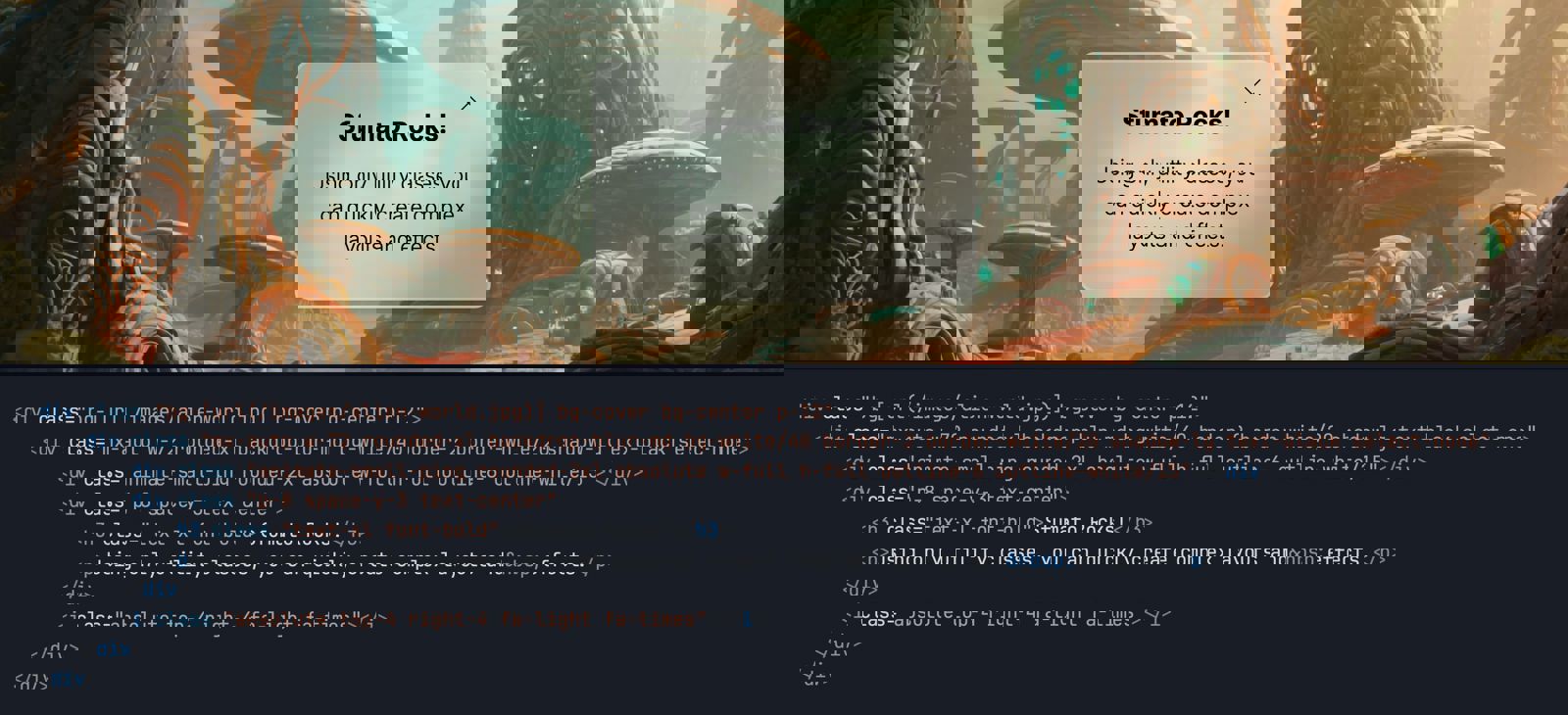 Build complex layouts with simple CSS classes and without writing CSS
Sfumato is compatible with the Tailwind CSS v4 class naming structure so switching between either tool is possible. In addition, Sfumato has the following features:
Cross-platform — Both the Sfumato CLI tool and nuget package work on Windows, Mac, and Linux on x64 and Arm64/Apple Silicon CPUs. They're native, multi-threaded, and lightning fast! So you can build anywhere.
Low overhead — Unlike Tailwind, Sfumato doesn't rely on NodeJS or any other packages or frameworks. Your project path and source repository will not have extra files and folders to manage, and any configuration is stored in your source CSS file.
Dev platform agnostic — The Sfumato CLI works great in just about any web project:
JavaScript frameworks, like React, Angular, etc.
Hybrid mobile projects, like Blazor Hybrid, Flutter, etc.
Content Management Systems (CMS) like WordPress, Umbraco, etc.
Custom web applications built with ASP.NET, PHP, Python, etc.
Basic HTML websites
Works great with ASP.NET — Sfumato supports ASP.NET, Blazor, and other Microsoft stack projects by handling "@@" escapes in razor/cshtml markup files. So you can use arbitrary variants and container utilities like "@container" by escaping them in razor syntax (e.g. "@@container").
In addition to using the CLI tool to build and watch your project files, you can instead add the Sfumato Core Nuget package to your ASP.NET-based project to have Sfumato generate CSS as you debug, or when you build or publish.
Imported CSS files work as-is — Sfumato features can be used in imported CSS files without any modifications. It just works. Tailwind's Node.js pipeline requires additional changes to be made in imported CSS files that use Tailwind features and setup is finicky.
Better dark theme support — Unlike Tailwind, Sfumato allows you to provide "system", "light", and "dark" options in your web app without writing any JavaScript code (other than widget UI code).
Adaptive design baked in — In addition to the standard media breakpoint variants (e.g. sm, md, lg, etc.) Sfumato has adaptive breakpoints that use viewport aspect ratio for better device identification (e.g. mobi, tabp, tabl, desk, etc.).
Integrated form element styles — Sfumato includes form field styles that are class name compatible with the Tailwind forms plugin.
More colorful — The Sfumato color library provides 20 shade steps per color (values of 50-1000 in increments of 50).
More compact CSS — Sfumato combines media queries (like dark theme styles), reducing the size of the generated CSS even without minification.
Workflow-friendly — The Sfumato CLI supports redirected input for use in automation workflows.
There's usually more to the story so if you have questions or comments about this post let us know!
Do you need a new software development partner for an upcoming project? We would love to work with you! From websites and mobile apps to cloud services and custom software, we can help!